Twitch
Your Twitch channel
Start with your camera. Add only the tools you need: a Twitch or YouTube chat, your notes, a countdown. VoroCast keeps your live studio focused on you.
Plugin studio in the Android test version
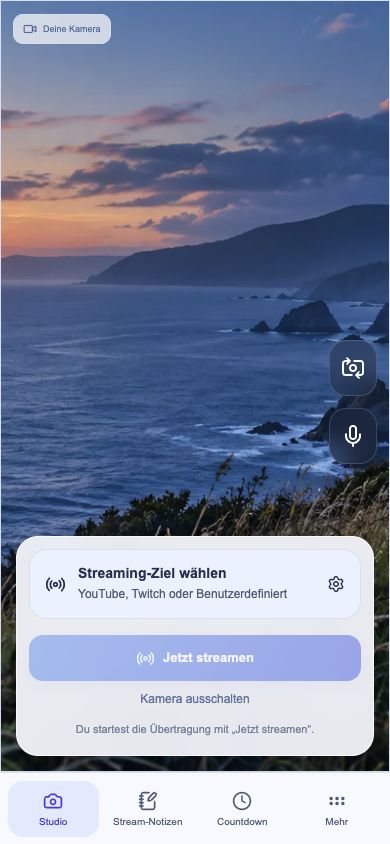
From a spontaneous moment to your own studio. Your camera stays at the center – you choose the tools that join it.
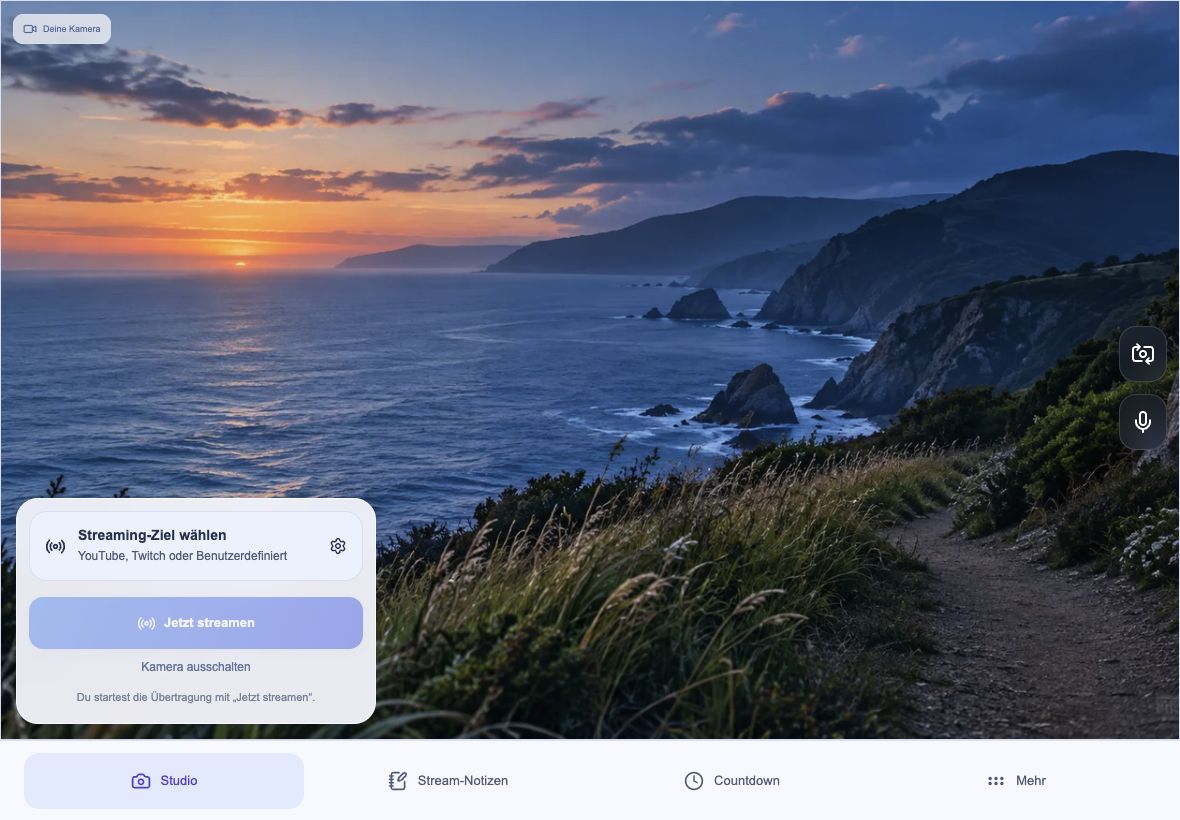
The private preview with VoroCast’s actual camera and destination controls.
Choose a view from the Android test version. Picture and note are sample content.Add chat? Remove the countdown? Find the setup that feels right for you.
Learn to use and create plugins
Chat alongside your picture on a tablet, or a compact view on your phone. The layout follows your available space and orientation. Plugin panels are private controls; they are not added to your broadcast video.
Enable a standard plugin or add your own Web plugin by HTTPS link or QR code. Update or remove it and assign up to four tools to the bar.
How plugins workIllustration of a modular package. This demo does not install anything.Connect using your platform’s server address and stream key. For a custom WHIP destination, use its HTTPS endpoint and access key. Availability and access are controlled by the destination provider.
Your Twitch channel
Your YouTube channel
Your server and stream key
Your HTTPS endpoint
Twitch, YouTube or your own RTMP/RTMPS or WHIP endpoint. Enter the address and key, or import a supported QR configuration.
Choose your tools and assign them to the bar. Your destination stays encrypted on your device for next time.
Check your picture and sound. Preview and broadcast are separate actions, and you decide when to go live.
Use VoroCast without mandatory registration. Your streaming destination stays protected on your device. Camera and microphone start only when you choose to use them.
Read the privacy policy